

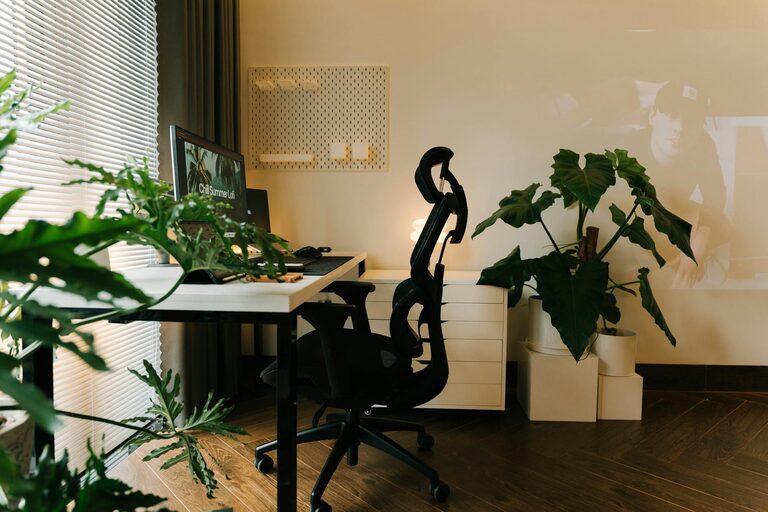
Creating a home office that feels both cozy and productive can transform your work-from-home experience. Whether you’re setting up a new space or refreshing an existing one, blending comfort with functionality helps maintain focus and reduces stress. In this post, we’ll explore practical tips to design a home office that supports your work goals while creating a welcoming environment.
Choose the Right Location
Consider Natural Light
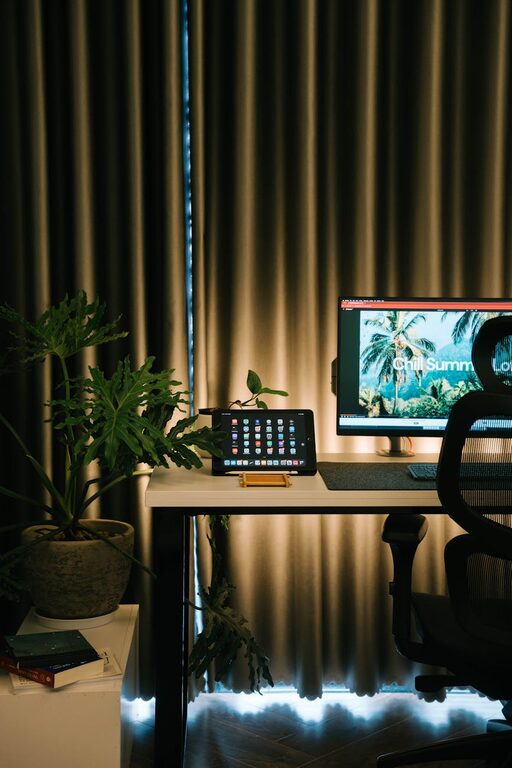
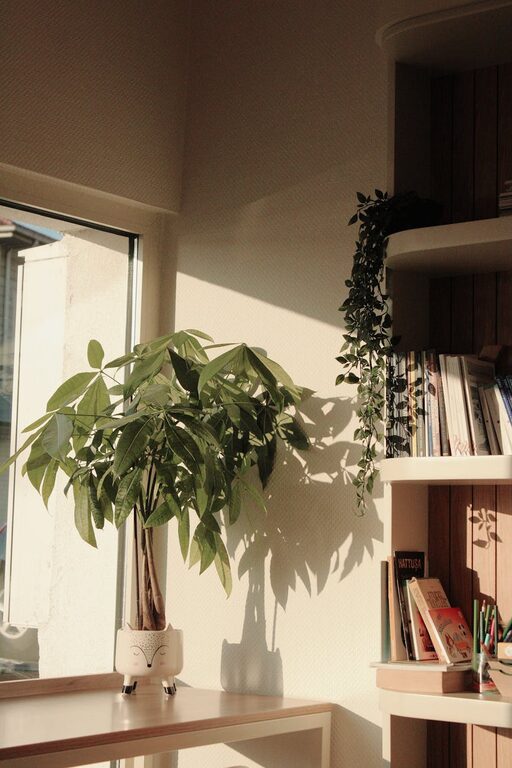
Natural light can boost mood and energy. Place your desk near a window if possible, but avoid glare on your computer screen. If natural light is limited, invest in good quality artificial lighting that mimics daylight.
Minimize Distractions
Select a quiet area away from household noise and activity. If you don’t have a separate room, consider using room dividers or noise-cancelling headphones to create a boundary between work and home life.
Select Comfortable and Functional Furniture
Ergonomic Chair and Desk
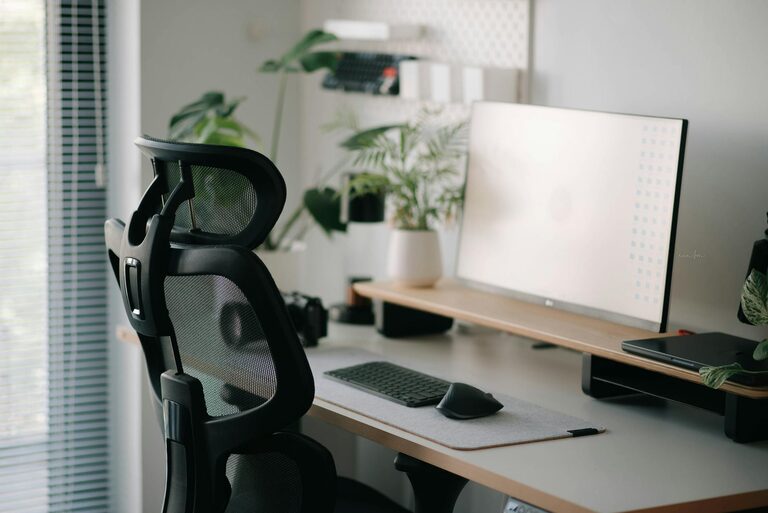
A supportive chair with adjustable height and lumbar support prevents back pain during long work hours. Pair it with a desk at the right height for comfortable typing and viewing.
Optimize Desk Space
Choose a desk that fits your needs—not too large to clutter, not too small to feel cramped. Keep essential items within reach and leave space to spread out your work materials.
Organize for Efficiency
Declutter Regularly
Keep your workspace tidy by storing away unnecessary items. A clutter-free area helps reduce stress and improve concentration.
Use Storage Solutions
Incorporate shelves, drawers, or filing cabinets for paperwork, supplies, and equipment. Label containers to find items quickly.
Digital Organization
Create folders and backups for your digital files. Keeping your computer desktop organized mirrors the tidy physical environment.
Personalize Your Space for Comfort
Add Touches You Enjoy
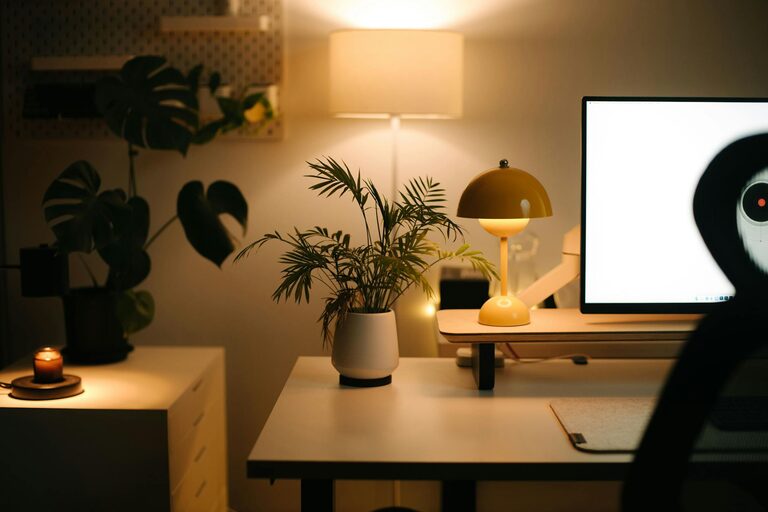
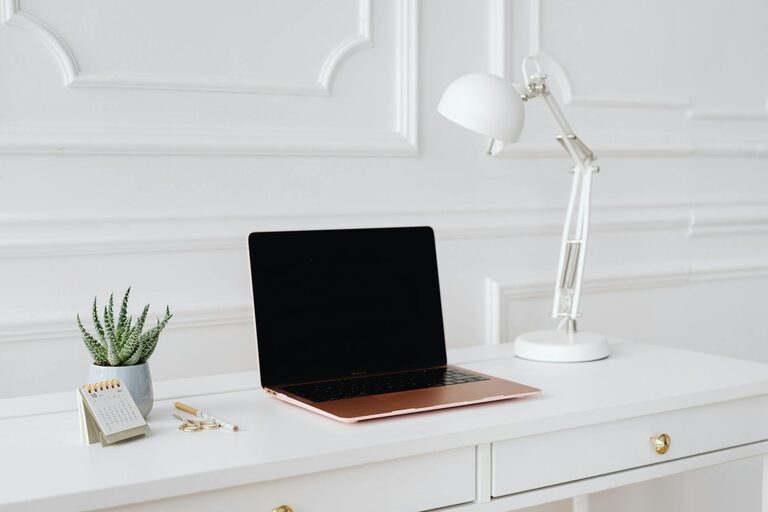
Include personal items like photos, artwork, or plants. Greenery not only beautifies the space but also improves air quality and mood.
Use Soothing Colors
Choose a color palette that promotes focus and calmness. Shades like soft blues, greens, or neutral tones often work well.
Implement Proper Lighting
Layer Lighting for Flexibility
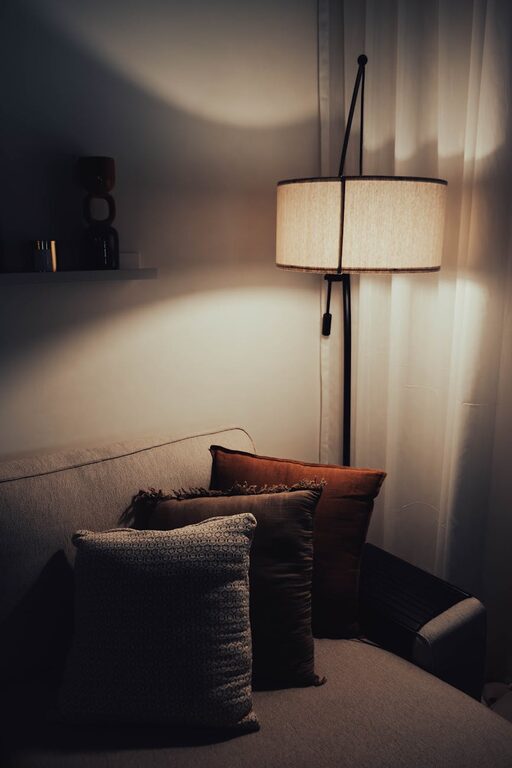
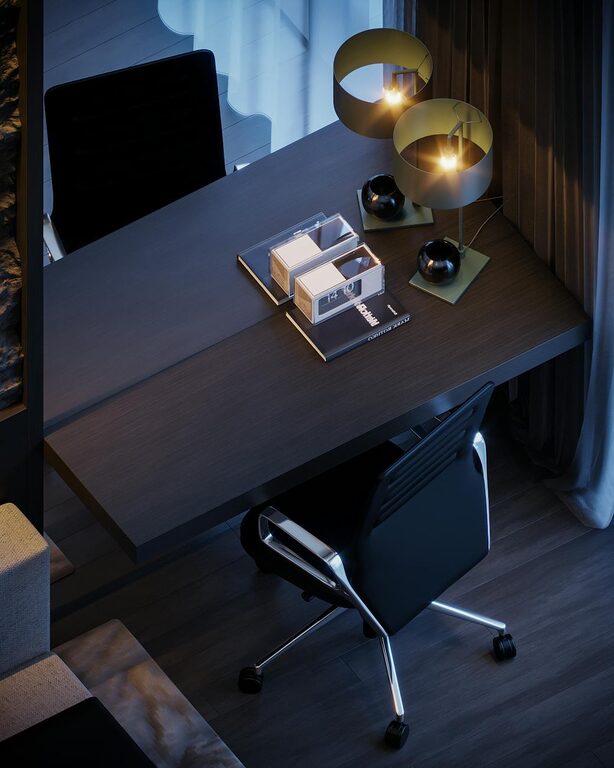
Combine ambient overhead lights with task lighting such as desk lamps. Adjustable lighting helps reduce eye strain and adapts to different work needs.
Avoid Harsh Fluorescent Lights
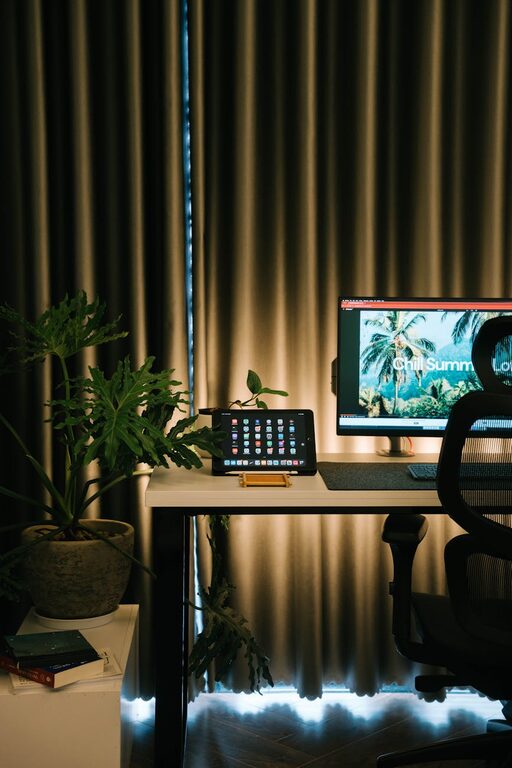
Instead, opt for warm or natural light bulbs to create a welcoming atmosphere.
Manage Technology Smartly
Cable Management
Use clips, sleeves, or boxes to organize cables and chargers, keeping your desk neat and preventing tangling.
Reliable Equipment
Invest in quality tech tools like a fast internet connection, good headphones, and a comfortable keyboard and mouse.
Develop a Routine and Boundaries
Define Work Hours
Set clear start and end times to maintain work-life balance. This helps your mind associate the space with productivity within a set timeframe.
Take Breaks in Your Space
Incorporate short breaks away from screens, stretching your legs or enjoying a quick walk. If possible, have a small area where you can relax briefly.
Enhance Air Quality and Comfort
Ventilation
Keep your workspace well-ventilated. Fresh air can improve focus and reduce fatigue.
Temperature Control
Maintain a comfortable room temperature. Use fans, heaters, or air purifiers to adjust according to your environment.
Final Thoughts
Designing a cozy and productive home office takes intention but is well worth the effort. By carefully considering layout, furniture, organization, and personal touches, you can create a space that inspires you to work efficiently while feeling comfortable. Regularly reassess your setup and make adjustments as your work habits evolve to keep your home office an inviting and effective place to be productive.